

Included with every purchase
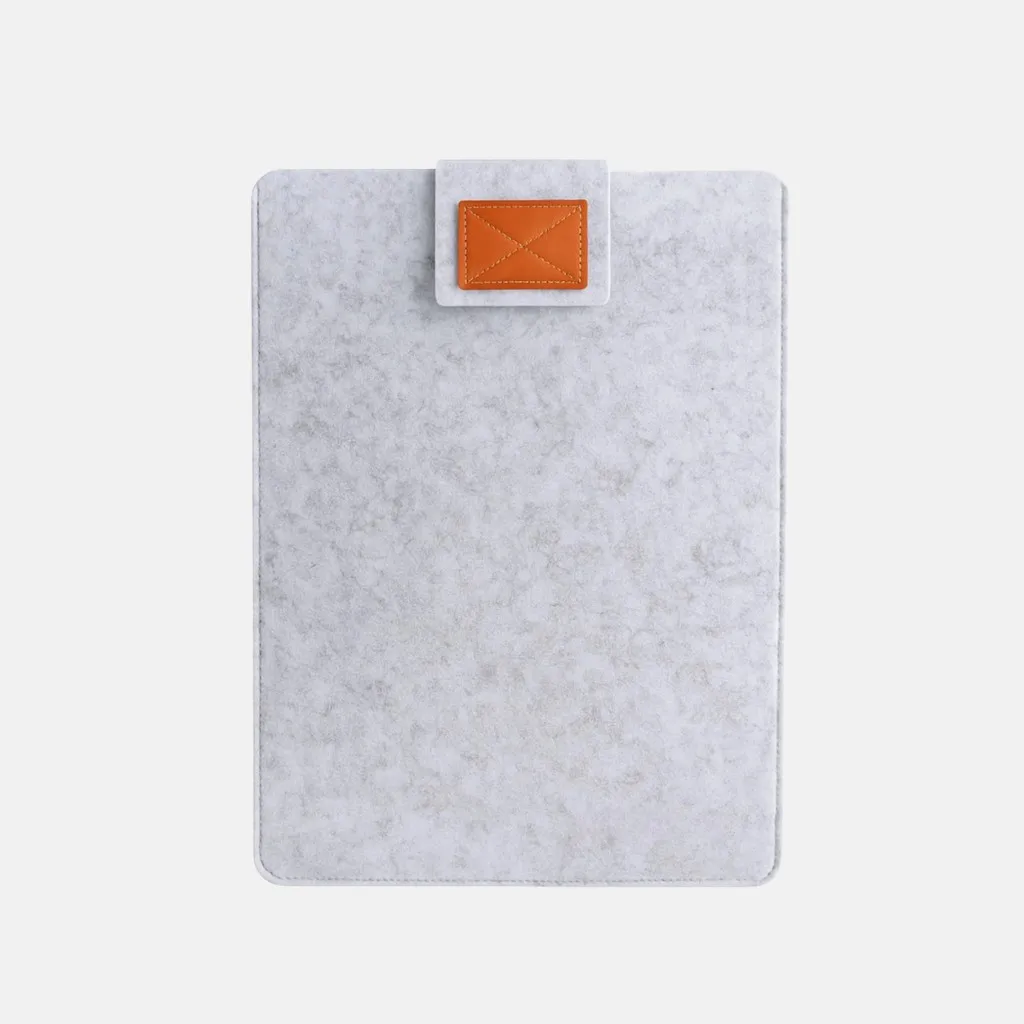 Felt Sleeve 18"
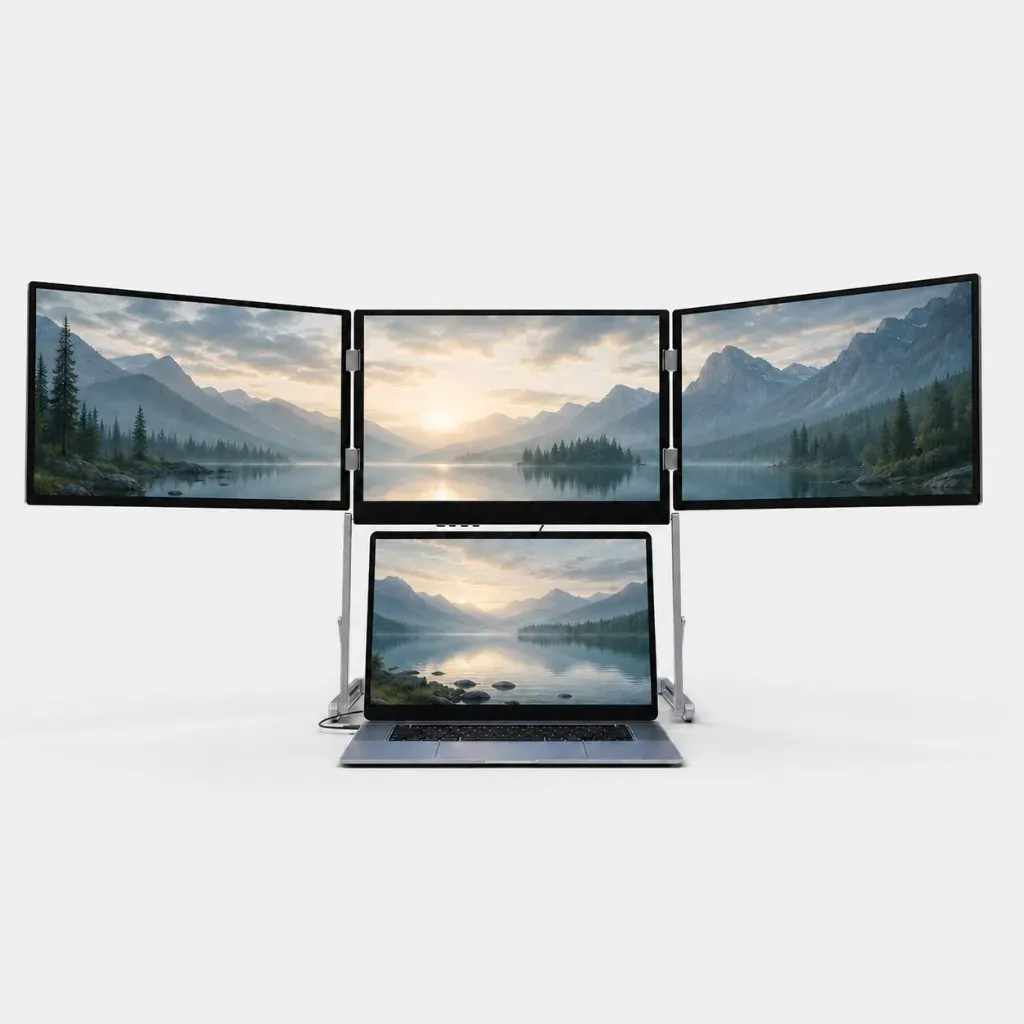
Three more screens. Your laptop makes four.
Connectivity & Compatibility
Ports on Horizon 3
2× USB-C · 3× mini HDMI
You only need one cable to the laptop.
Will it work with your laptop?
Almost always yes. Your laptop needs a USB-C port that also carries video. Most laptops have one. You can spot it by the lightning bolt or DisplayPort symbol next to the port. Or check your laptop specification sheet for Thunderbolt or DisplayPort under ports.
And if your USB-C carries no video? Horizon 3 then runs on the included HDMI and USB-A cables. They are in the box. You can also email us your laptop model at sanctumapparelstore@gmail.com. We will check whether it fits.
MacBook
Every MacBook with an M1, M2, M3, M4 or M5 chip works. MacBooks with an Intel processor work too.
Windows, Linux and ChromeOS
Windows 10 and Windows 11 · Ubuntu · ChromeOS, no driver needed
What else you need
The included 45 W or 65 W power adapter, depending on size. The displays cannot run on laptop power alone. Install the DisplayLink driver once on Windows, macOS and Ubuntu. Never again after that.
Not sure? Ask us.
Write to sanctumapparelstore@gmail.com. Usually an answer the same day.
Drivers
Install the DisplayLink driver once, before first use.
Windows driver · macOS driver · Ubuntu driver
ChromeOS
Already included. Nothing to download.
Display
Three matte IPS displays, in six variants from 14 to 18.5 inches.
Resolution runs from 1920 × 1080 to 2560 × 1600, in 16:10 or 16:9, always at 60 Hz. Brightness sits between 300 and 430 nits.
Colour is 72% NTSC on the 14-inch panels, 100% sRGB from 16 inches up.
Matte means no window reflections, and it stays readable in daylight. Compare all specs
In the box
- Triple-screen system
- 1× USB-C to USB-C cable to the laptop
- 1× USB-C to USB-C cable for power
- 1× USB-C to USB-A cable, for laptops with no video over USB-C
- 1× mini HDMI to HDMI cable
- 45 W or 65 W power adapter, depending on size
- Power plug for your delivery country. Wherever we ship, you get the plug that fits your socket.
- Carry case
Certifications
The device and its power supply are tested and marked for the markets we ship to. You will find the marks on the device and on the box.
 CE European Economic Area. Covers electrical safety, electromagnetic compatibility and restricted substances.
 UKCA United Kingdom. The British counterpart to the CE mark since Brexit.
 FCC United States. Limits how much radio interference the device may emit.
 PSE Japan. The power supply passed Japanese electrical safety testing.
RoHS Restricted substances. No lead, mercury or cadmium above the permitted limits.
Everything open. Everything in view. No more back and forth.
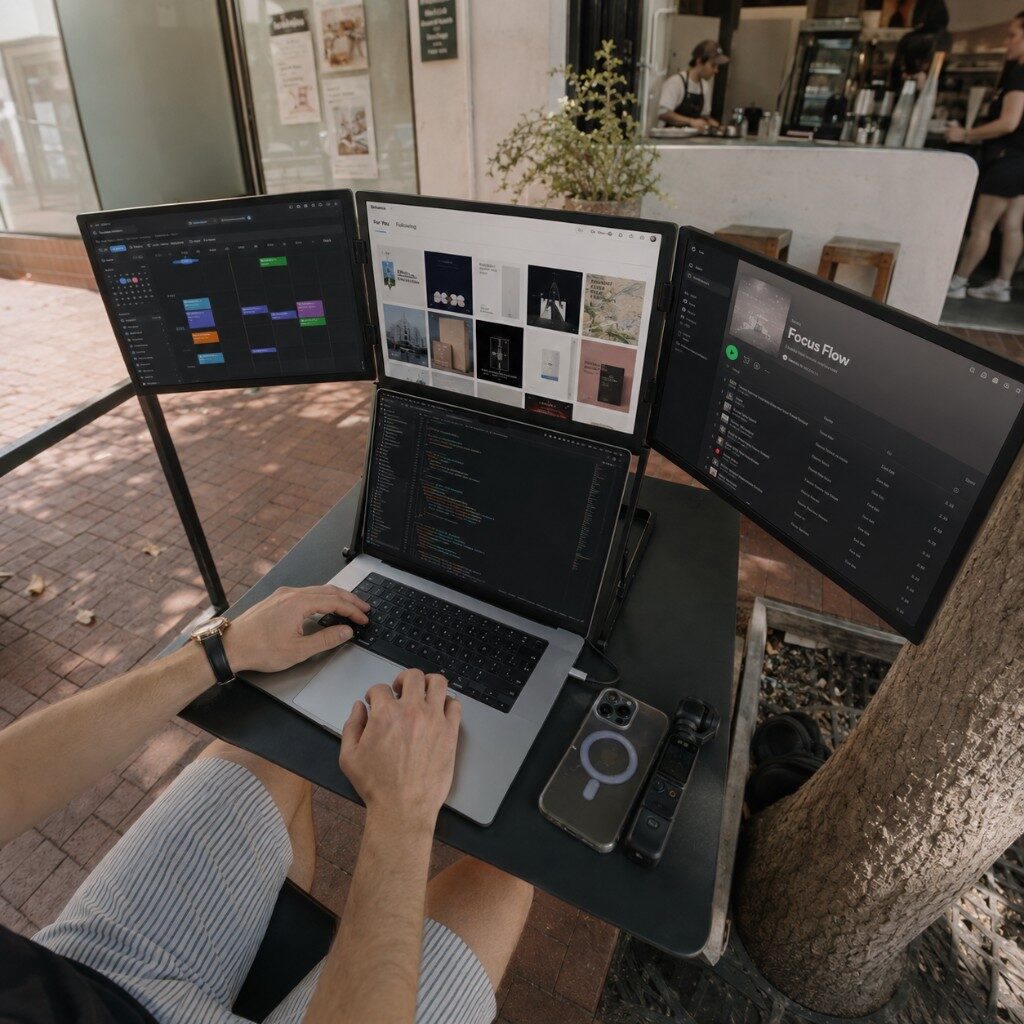
On a laptop you spend half the day clicking through tabs and windows. Here they all stay in front of you. Put music or a video on one screen — you still have three left to work on.
What you open stays open. Nothing hides behind anything else.
One display for a video or music. You keep working on the others.
All three displays share a single USB-C port. Power comes from the included adapter.
Unplug, fold the screens. That's the whole teardown.
The stand folds down and it lies flat on the table. Then it goes into the light felt sleeve beside it. No tools, no box. After that the table is a table again.
Then both at the unit. One for video, one for power.
As flat as a large laptop. No tower, nothing bulky.
It comes free with every order.
Ready in seconds.
From flat package to full workstation. Four steps.
Unfold the frame and set the height.
Swing the side displays forward until all three face you.
Connect the included power adapter.
USB-C cable to the laptop. The first time, install DisplayLink if needed.
No studio. A real setup.
Clips from our Instagram, set up in real rooms.
Packed flat. A full setup in seconds.
Unfold the side displays, lock the frame, connect the laptop. The workstation is up.
Where you actually work.
Lounge, café, kitchen table, desk. The same area everywhere.
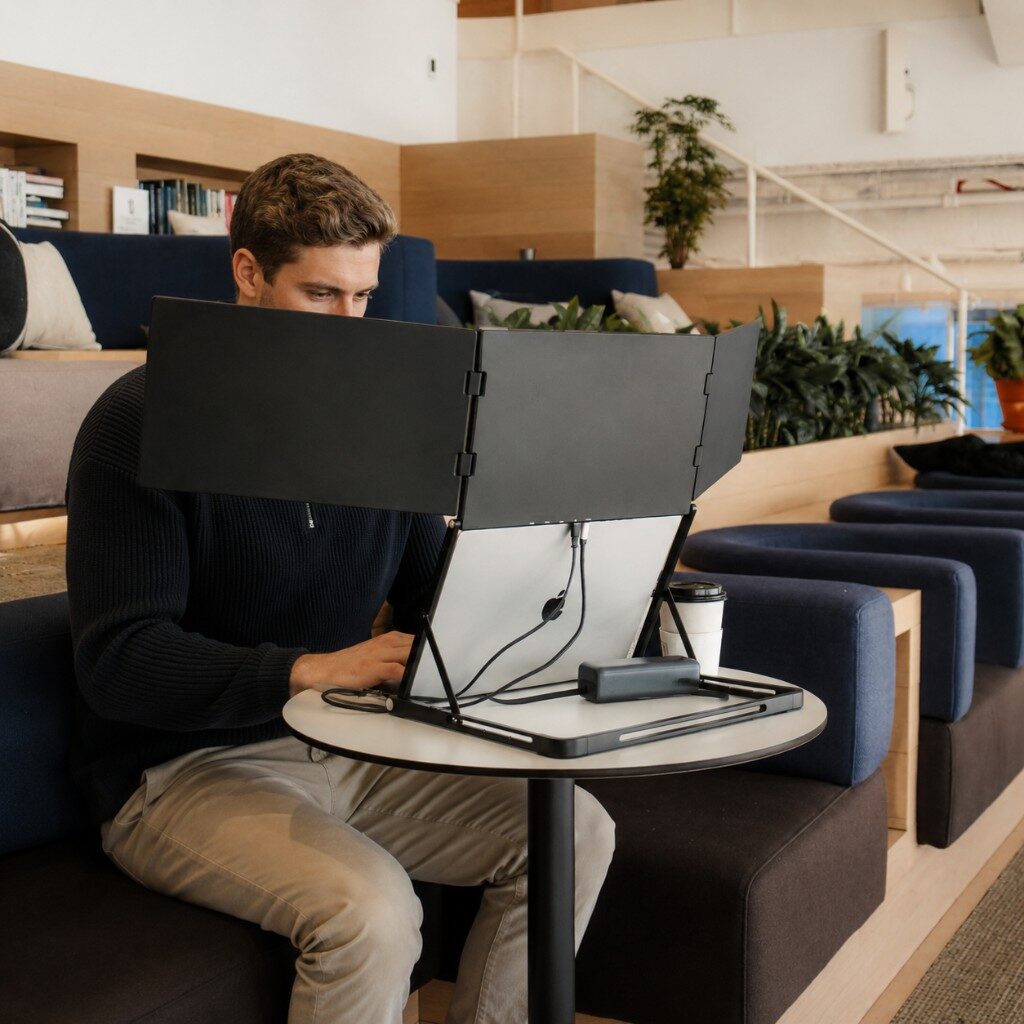
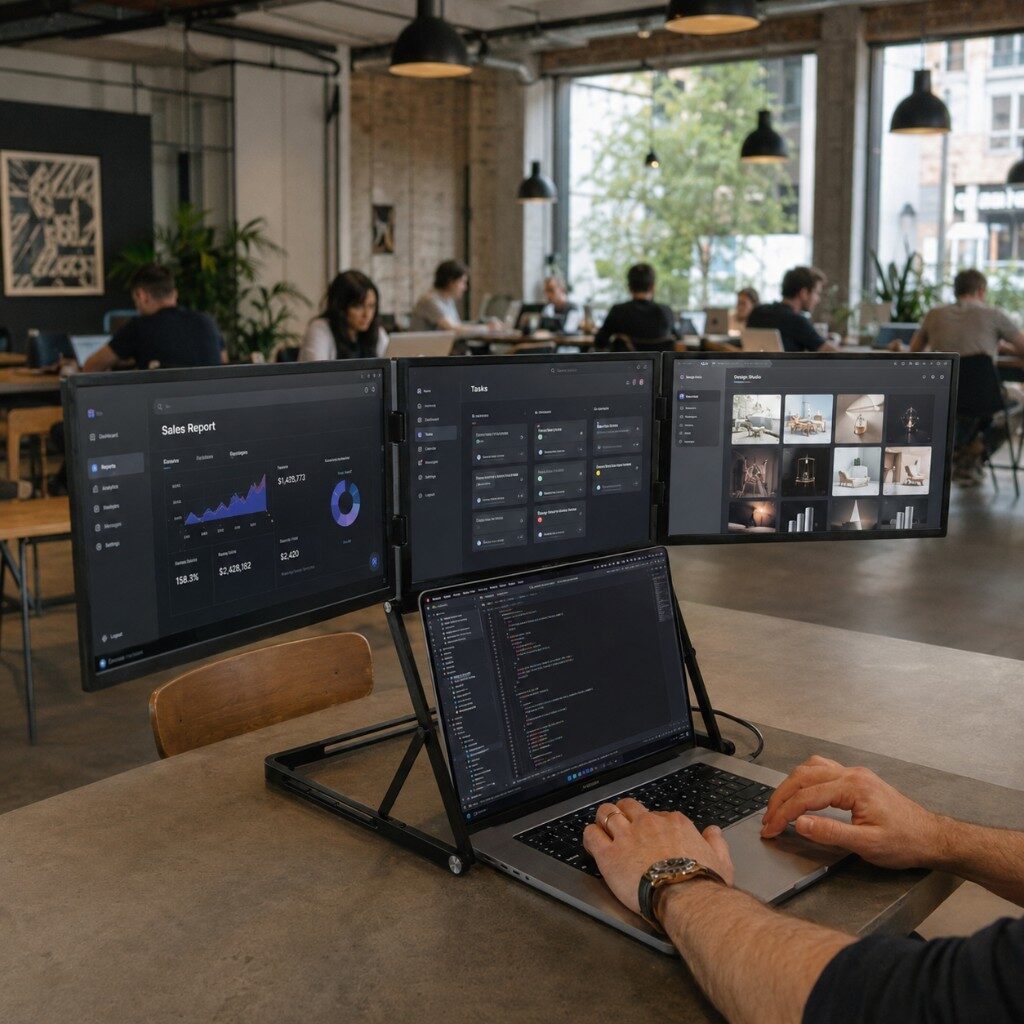


Three modes. One flexible system.
Unfold, connect, set the angle. Depending on the task.
Compare versions.
The same system in six variants. Pick size, resolution and housing colour for your workspace.
Connection and box contents.
Size and resolution are in the variant comparison. Here you find the ports and box contents.
Connection
- Link to the laptop
- 1 × USB-C port that also carries video
- Ports
- USB-C and mini HDMI
- Power
- Adapter included, plug matched to the delivery country
- Systems
- Windows, macOS, Ubuntu and ChromeOS
- Driver
- DisplayLink for Windows, macOS and Ubuntu
- Warranty
- 1 year
- Built-in speakers
- Yes
In the box
- Triple-screen system
- 1× USB-C to USB-C cable to the laptop
- 1× USB-C to USB-C cable for power
- 1× USB-C to USB-A cable, for laptops with no video over USB-C
- 1× mini HDMI to HDMI cable
- 45 W or 65 W power adapter, depending on size
- Power plug for your delivery country
- Carry case
From people who use it.
